
Registration & Login
Users need to apply for an account and complete registration first. After logging in, all features will be available: 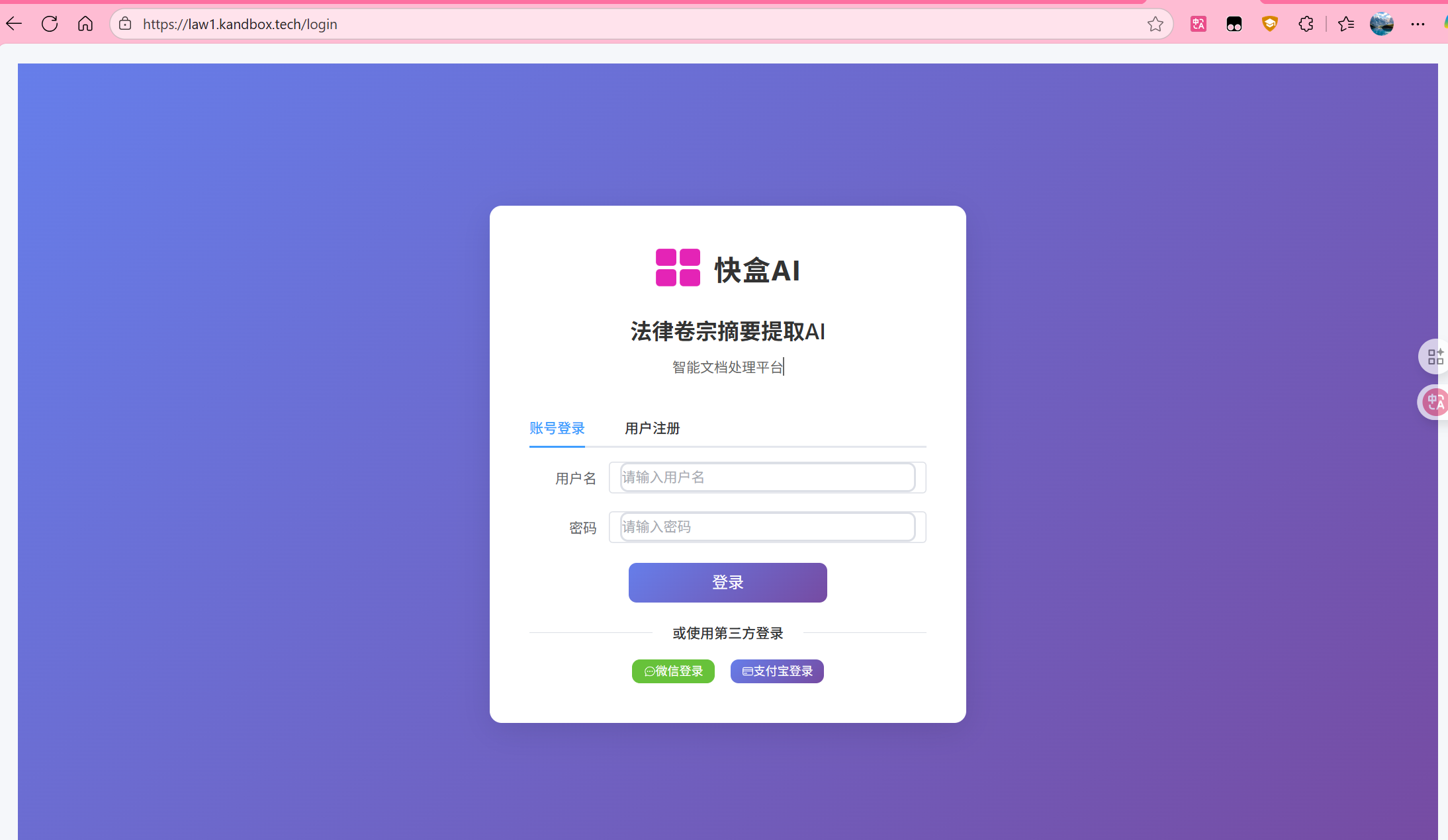
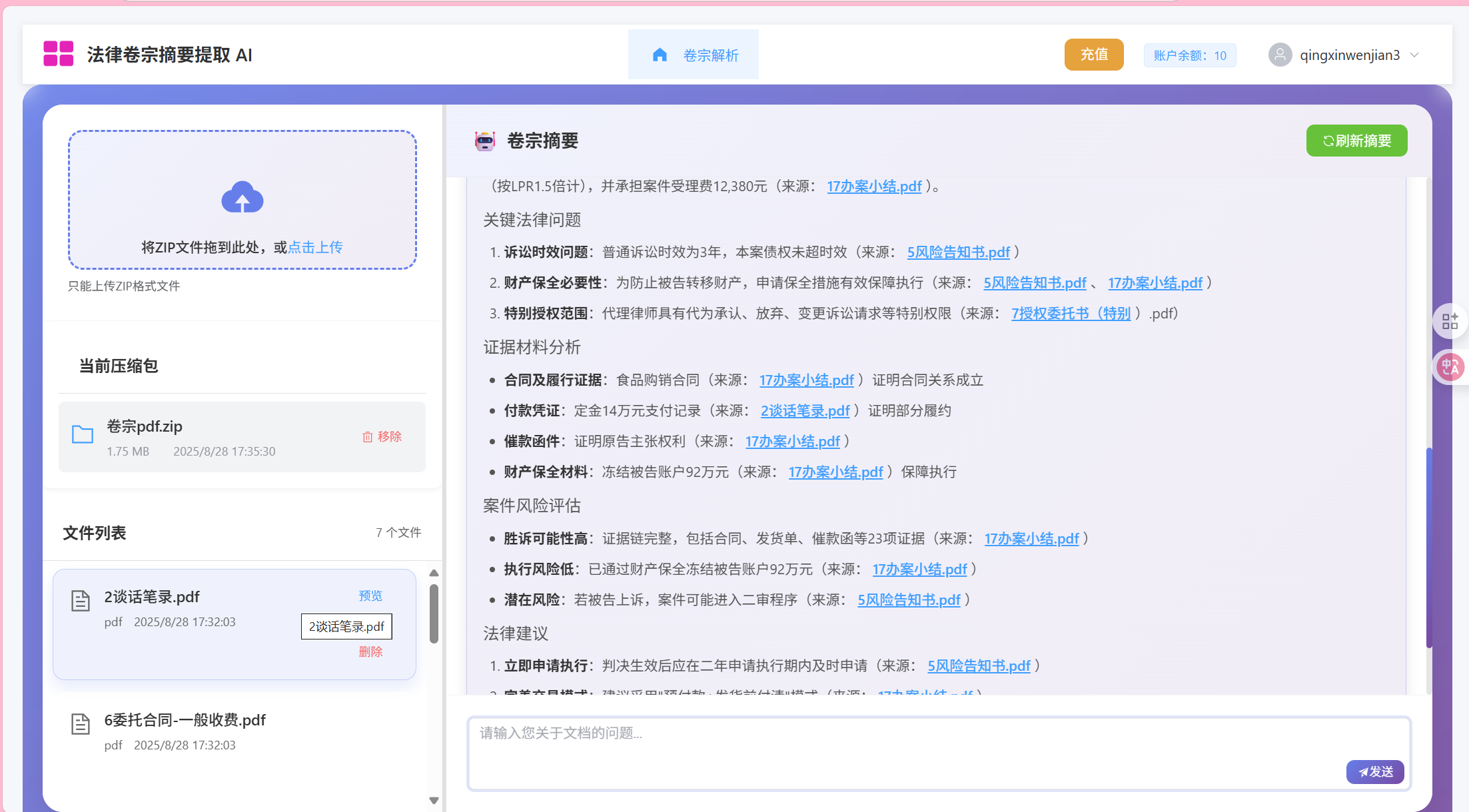
(I) File Upload & Extraction
On the "All Cases" page, click the "New Case" button. In the "Upload Compressed File" window, you can directly upload files or use our sample files for testing: Download Sample ZIP
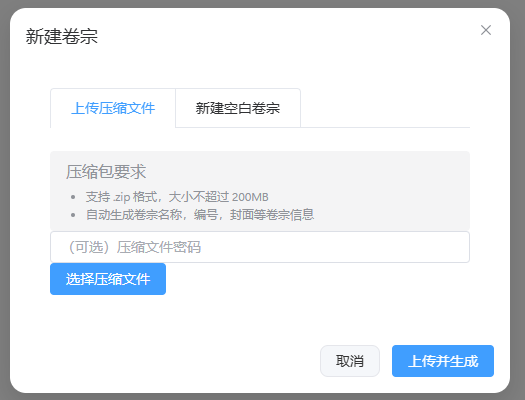 After uploading files, wait for the system to process.
(II) View/Edit Review Notes
Click the "Review Notes" tab, or click on the newly created case in the "All Cases" page to view and edit the current case's review notes. Users can collaboratively edit review notes. 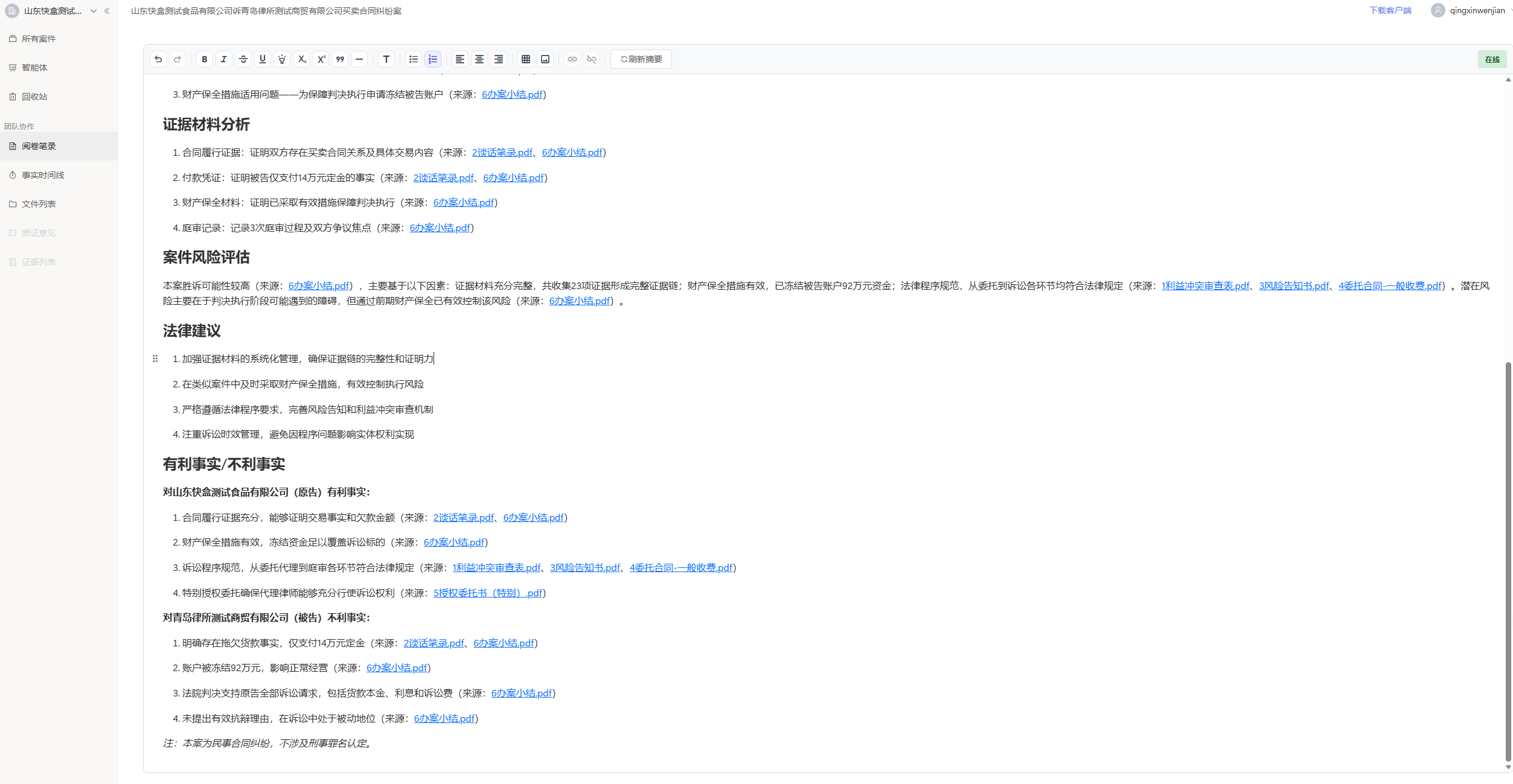
(III) View/Edit Case Timeline
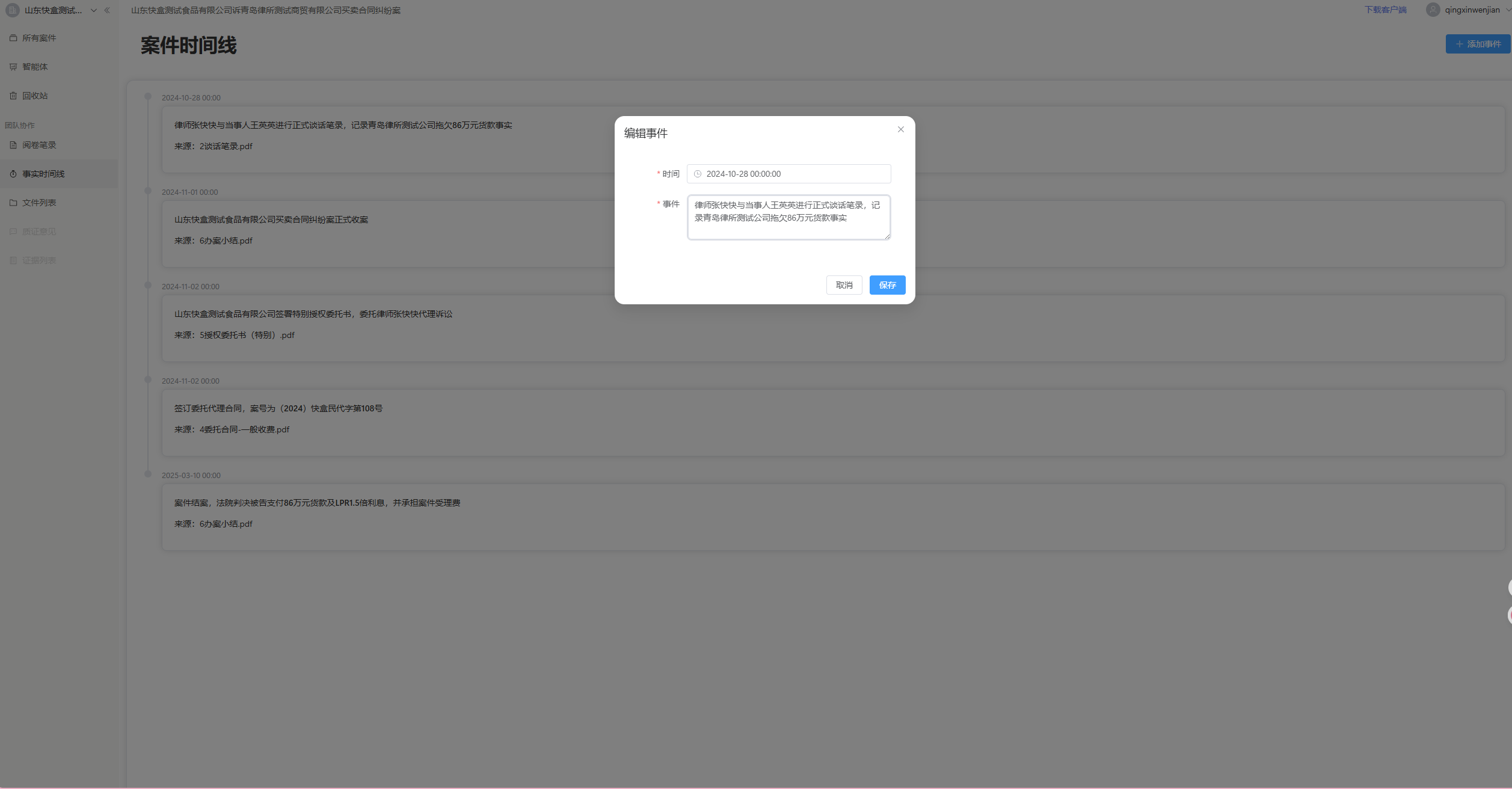
Click the "Timeline" tab to view the case timeline. Users can add, edit, delete events, and view detailed event information. 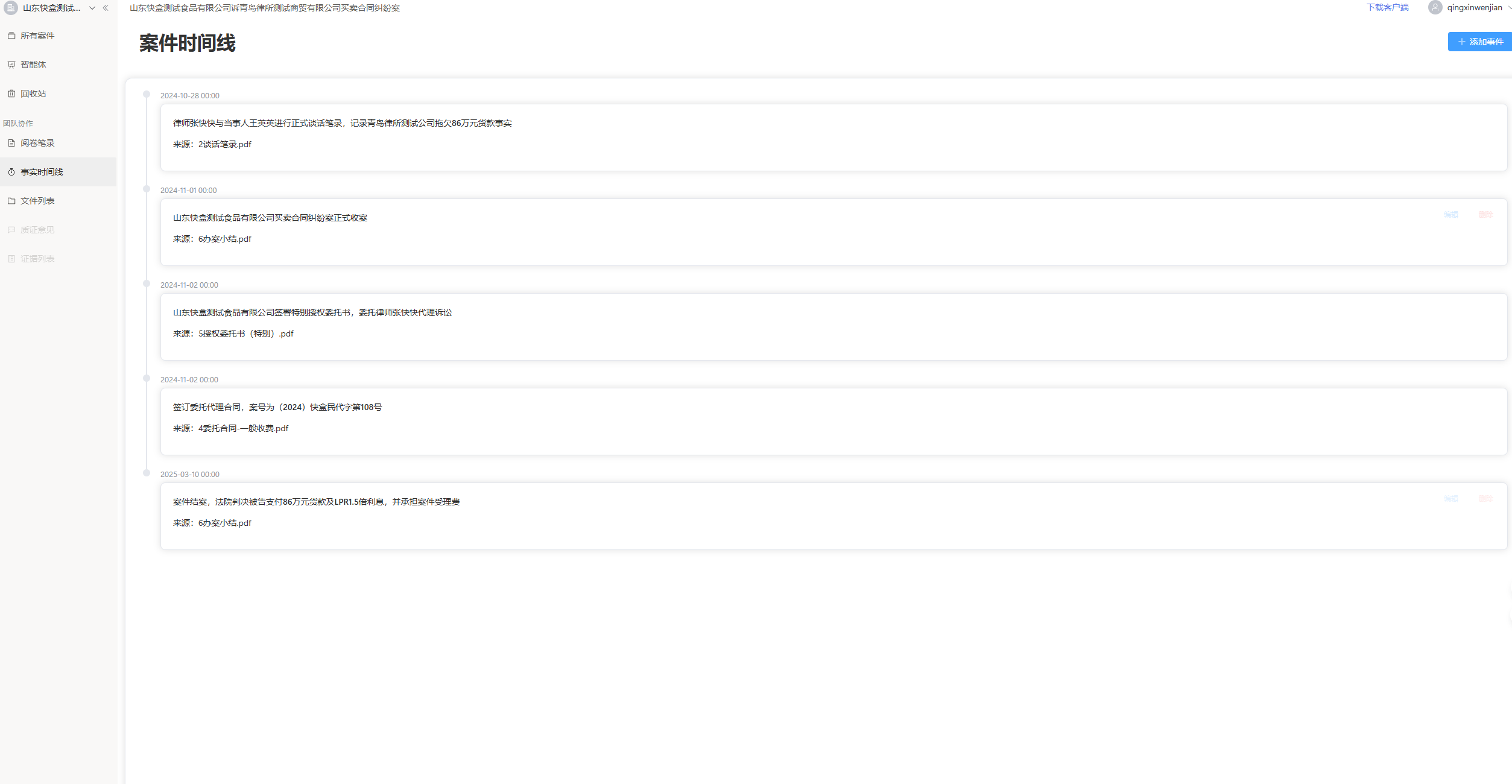
(IV) View File Classification
Click the "File List" tab to view all files in the current case. The system will automatically classify files. 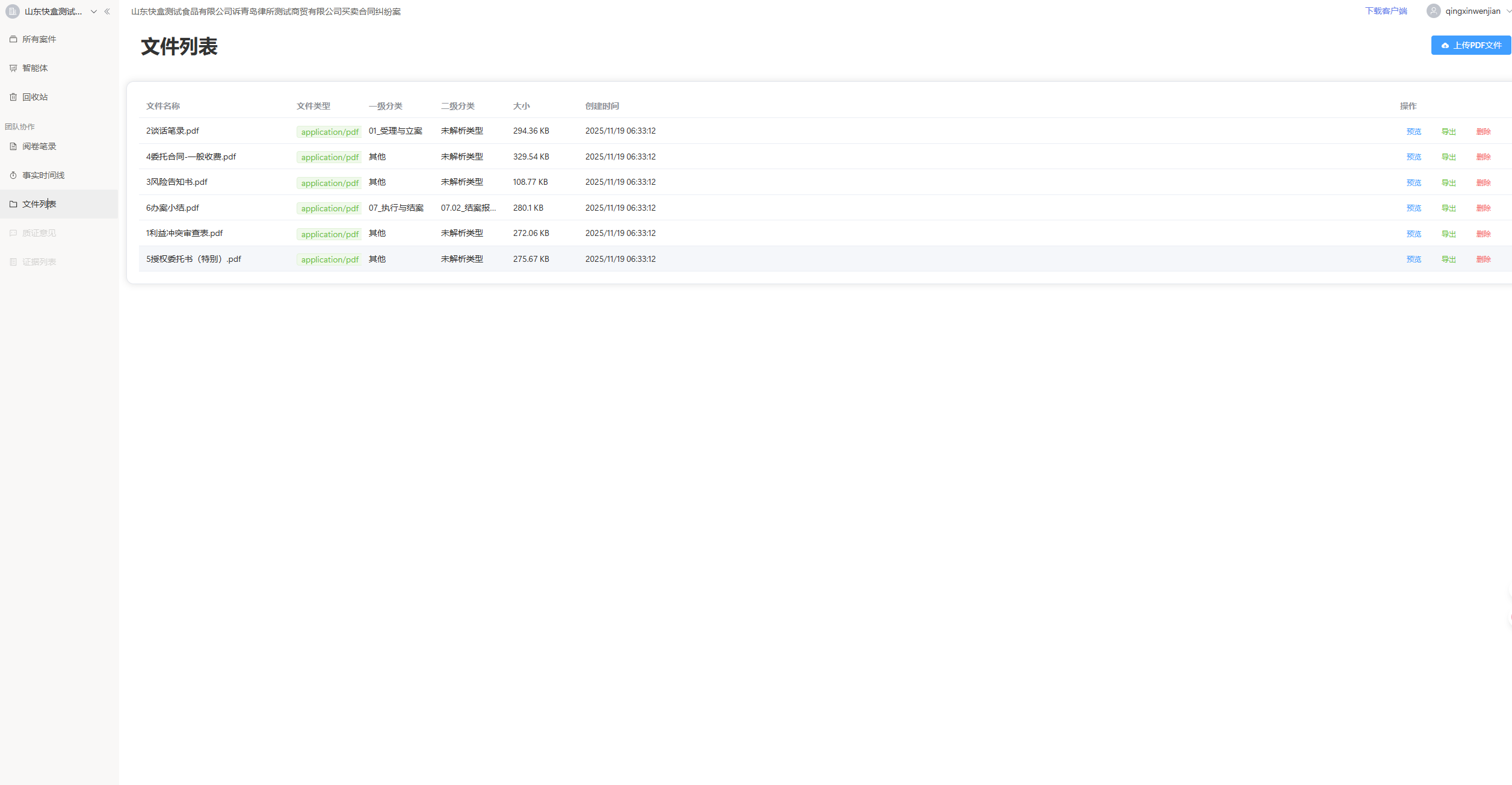 Click the "Preview" button to view the original file. The system will also extract summary information and key points for each file.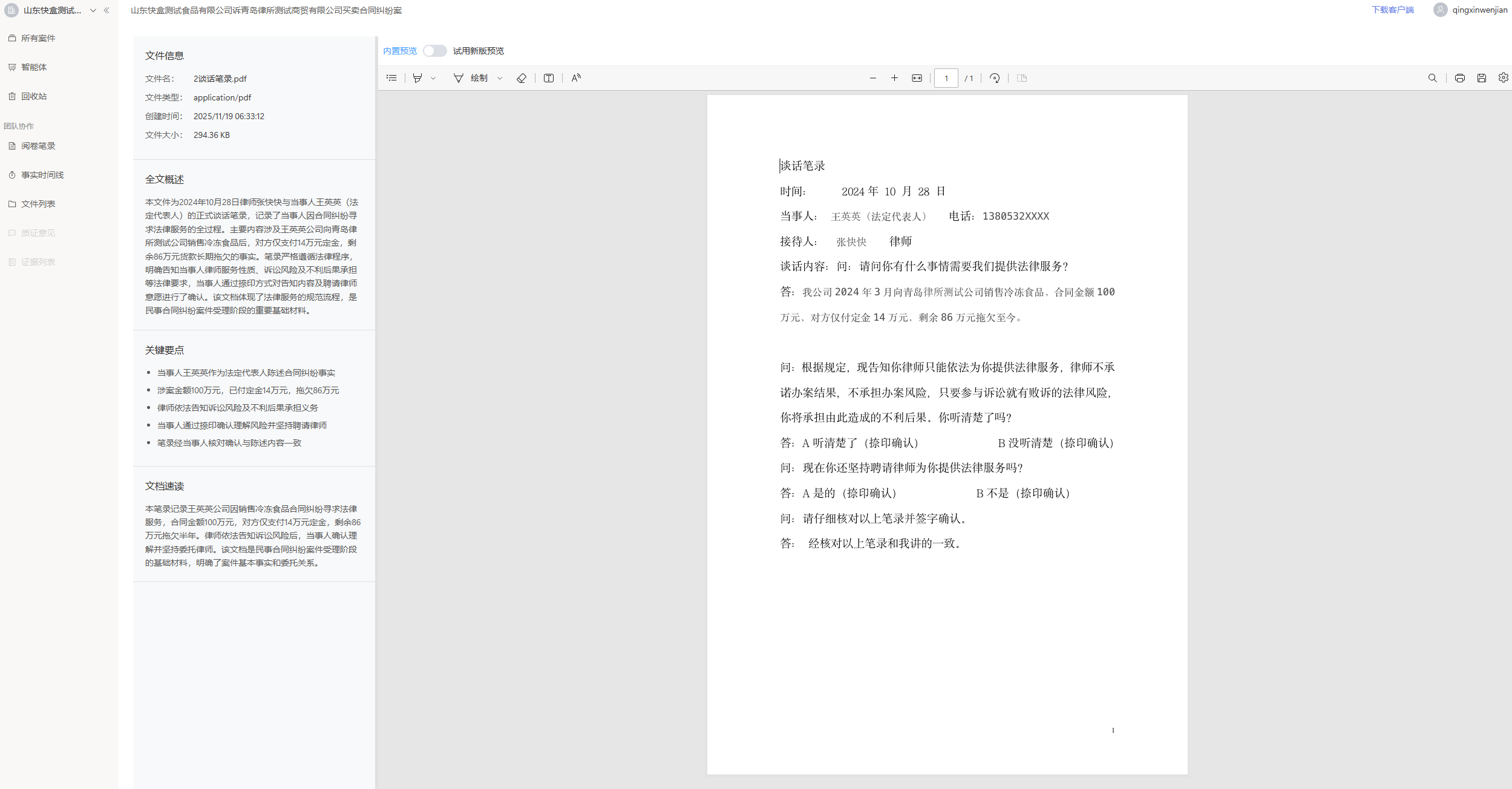
Access Portal:
- https://law2.kuaihe.tech/ or https://law2.kandbox.tech/
- Click "Login/Register" in the top right corner of the page